
Connecting an External API
It is possible to integrate an external API into the system for any external program. These APIs must be activated by our support team. To request activation, please send an email to support@easy-m.de. We will then verify whether the API is already available or if it can be newly integrated.
Preparation
Before you can configure an API for a campaign, the campaign must first be created in the system.
Execution
To assign an API to a campaign, navigate to the Campaign Control Center. From there, proceed to the "mappings" section:

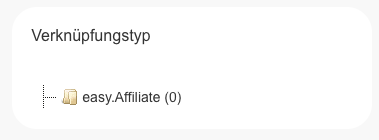
All APIs currently available for the campaign will be displayed there.
Finally, click the "create new mapping" button to enter the credentials and data required for the API.
External API Credentials
To communicate with the API of an external service provider, corresponding login or access credentials are required. Where to find these credentials within the provider's respective platforms is explained in the individual integration guides.
No comments to display
No comments to display